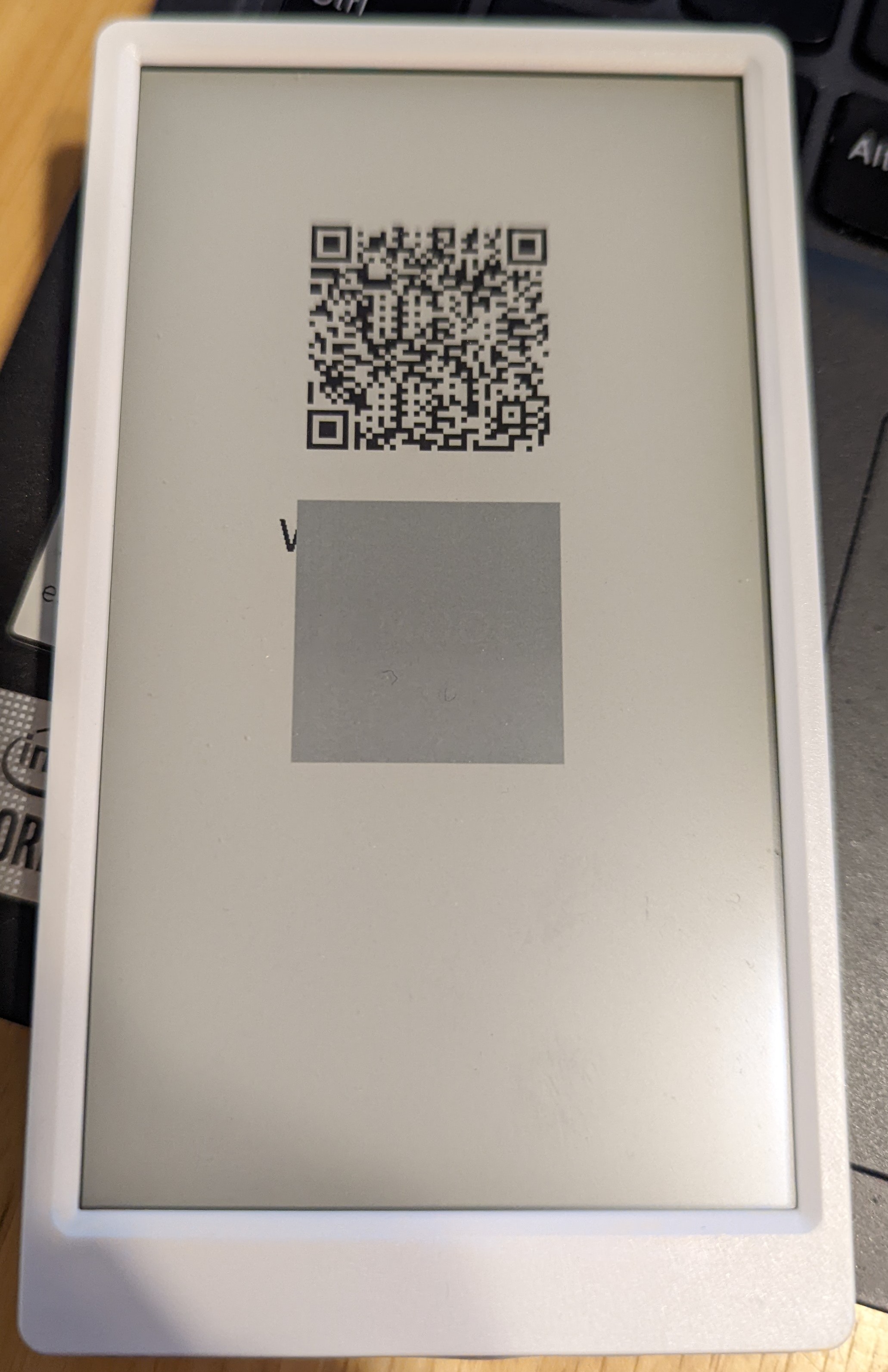
ghost qr code on m5paper?
-
Hi -
I'm experimenting with my new m5paper, and had the idea to create a qr code so my friend will be able to use my wifi while I'm on vacation. I used uiflow/blockly to create the following code:
from m5stack import *
from m5ui import *
from uiflow import *setScreenColor(15)
label0 = M5TextBox(134, 414, "Text", lcd.FONT_DejaVu24, 0, rotate=0)
lcd.clear()
label0.setFont(lcd.FONT_DejaVu40)
label0.setText('Wifi Info')
lcd.qrcode('text text text', x=150, y=400, width=220, version=6)
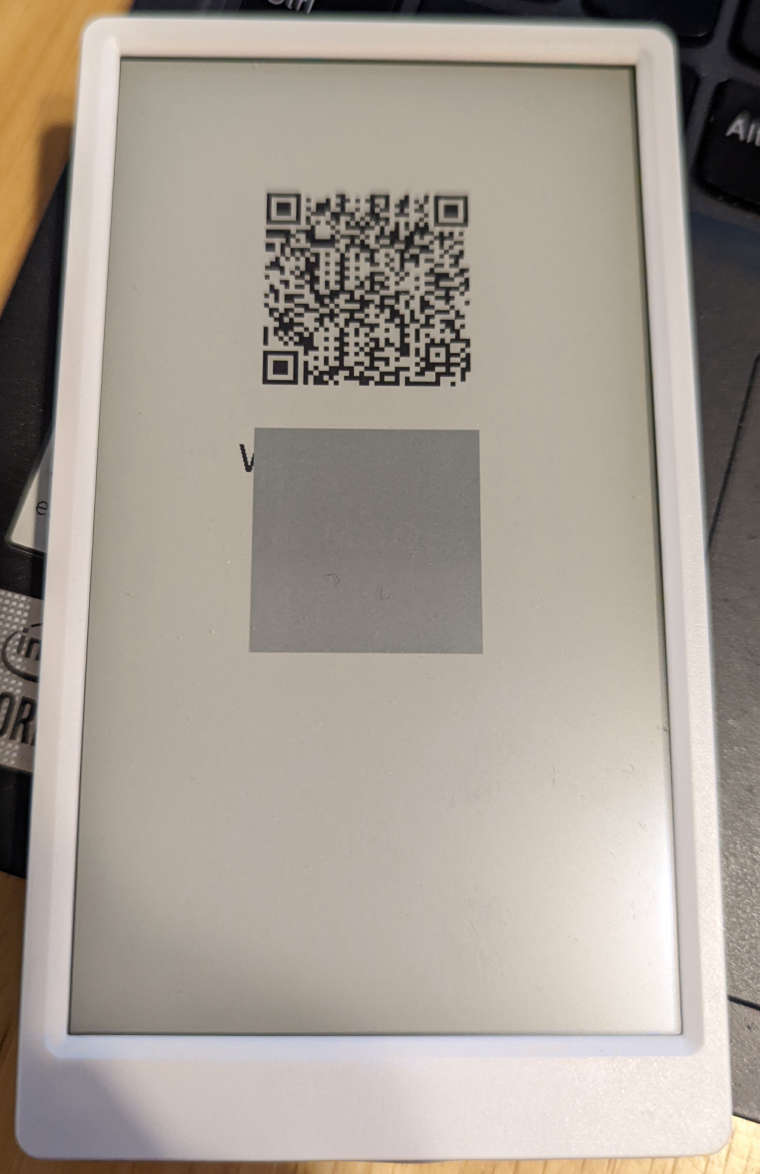
lcd.show()And I'm getting a ghost qr code, for lack of a better way to describe it. I moved the qr code once, and it only started happening following that. If anyone can help, I would appreciate it...
-
Hi there , We appreciate your feedback! we will fix it soon!
-
@belsonc said in ghost qr code on m5paper?:
setScreenColor(15)
I've the same problem.
I've you found a solution ?
Tkx -
The latest update put the gray square always under the QRcode.OK
But why a gray square instead of the backcolor ?
Hello! It looks like you're interested in this conversation, but you don't have an account yet.
Getting fed up of having to scroll through the same posts each visit? When you register for an account, you'll always come back to exactly where you were before, and choose to be notified of new replies (either via email, or push notification). You'll also be able to save bookmarks and upvote posts to show your appreciation to other community members.
With your input, this post could be even better 💗
Register Login