QR Code positioning on M5Paper e-ink display
-
Hi everyone
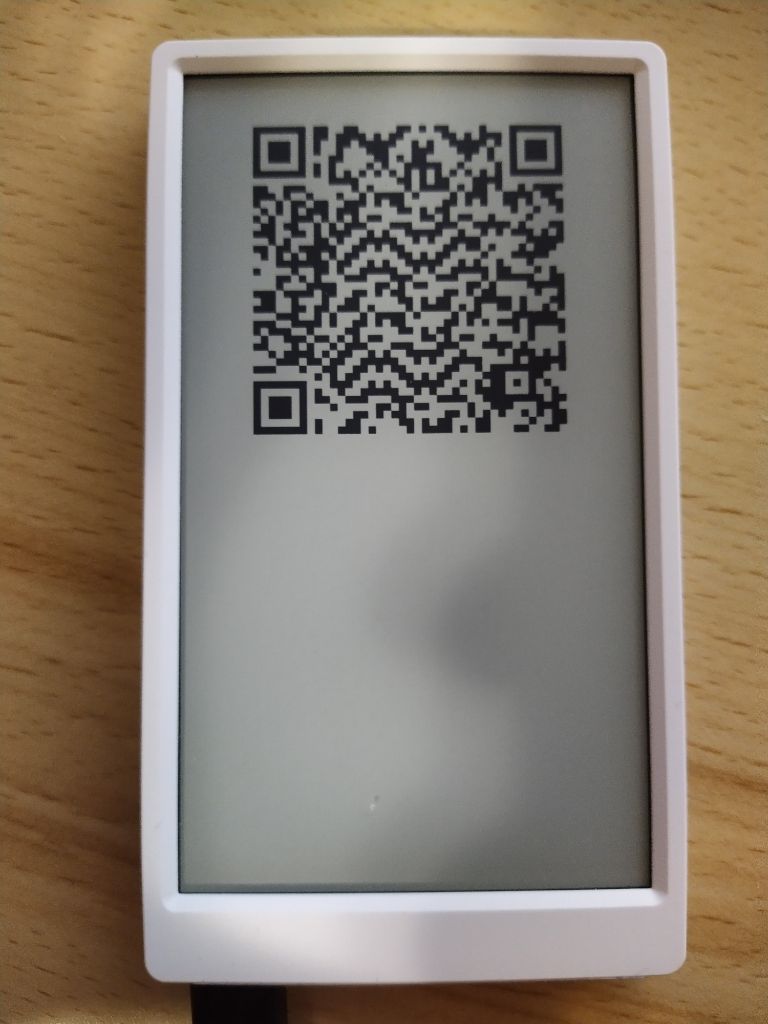
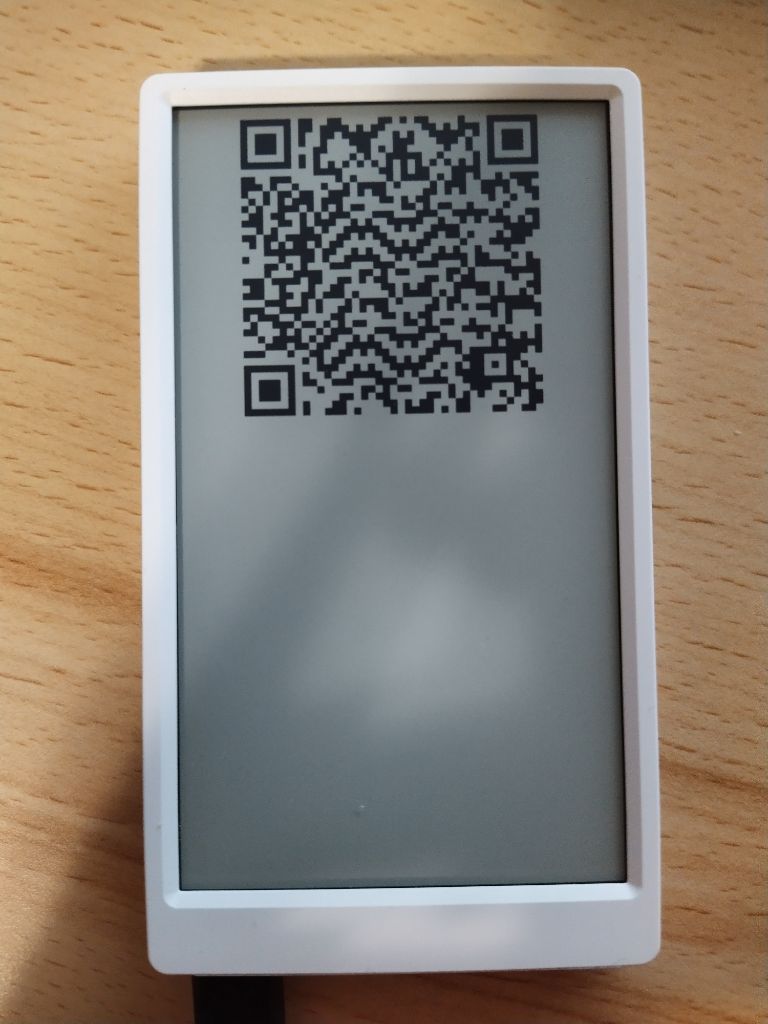
I'm having problem with positioning a QR code on my M5Paper e-ink screen.
Given this very simple piece of Arduino code:
#include <M5EPD.h>

M5EPD_Canvas canvas(&M5.EPD);
const uint16_t Y = 0;

void setup()
{
    M5.begin(false, false, false, false, false);
    M5.EPD.SetRotation(90);
    M5.EPD.Clear(true);

    canvas.createCanvas(540, 960);
    canvas.qrcode("https://www.example.org/", 70, Y, 400);
    canvas.pushCanvas(0, 0, UPDATE_MODE_GC16);
}

void loop()
{
}
When setting
Yto0, the qr code gets placed at the very top of the screen, as expected: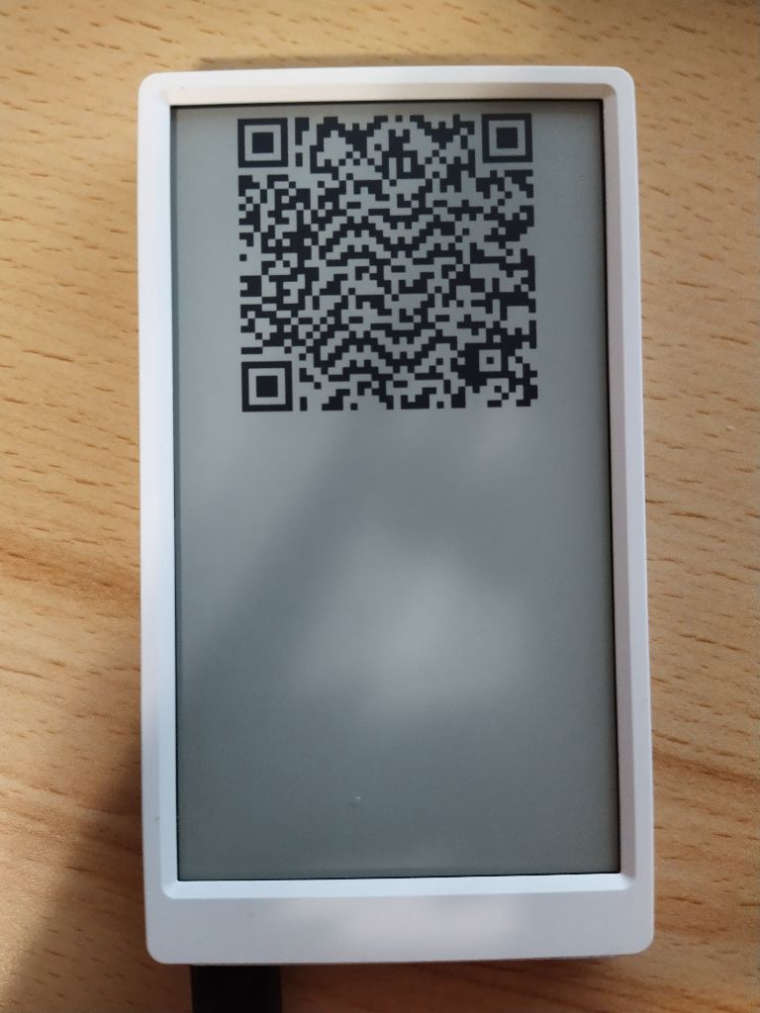
When setting
Yto560(screen height 960 - size of qr code 400), I would expect the QR code to render at the very bottom of the screen. However, the qr code gets render barely a bit lower than withY = 0.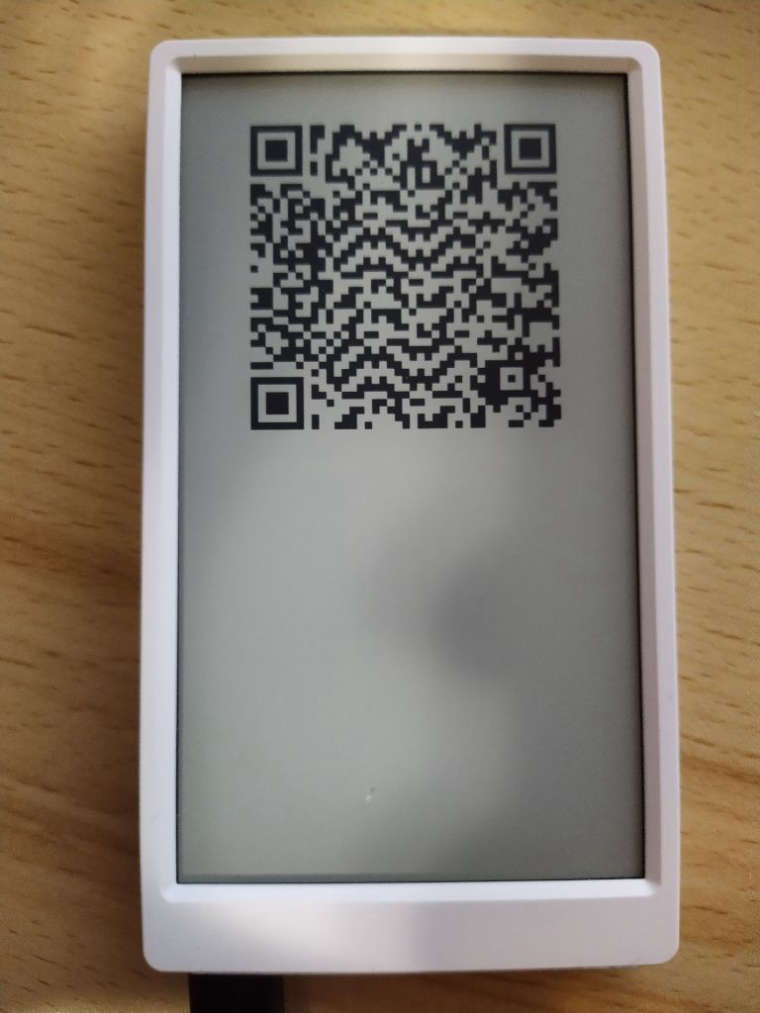
Is there something obvious I'm missing?
Any help would be much appreciated. -
Hello @Skulblaka
try using the x and y coordinates of the
pushCanvas()command instead.canvas.qrcode("https://www.example.org/", 0, 0, 400); canvas.pushCanvas(70, Y, UPDATE_MODE_GC16);Thanks
Felix


Hello! It looks like you're interested in this conversation, but you don't have an account yet.
Getting fed up of having to scroll through the same posts each visit? When you register for an account, you'll always come back to exactly where you were before, and choose to be notified of new replies (either via email, or push notification). You'll also be able to save bookmarks and upvote posts to show your appreciation to other community members.
With your input, this post could be even better 💗
Register Login