lowest power m5paper?
-
hello
m5paper's display does not need power to keep displaying... i only want to update the info on screen every so often (e.g. every 10s)
i am using the light sleep right now:
gpio_hold_en((gpio_num_t)M5EPD_MAIN_PWR_PIN);
esp_sleep_enable_timer_wakeup(10 * 1000000);
esp_light_sleep_start();
i read somewhere that the power to the screen can be disabled with M5.disableEPDPower(). that seems to work but how do you get i back on? there is M5.enableEPDPower() but that doesnot seem to be enough?
also: i have a gps attached and i see that that is still powered. is there a way to power down port.C?
any other things that can be powered down?
when this all works and is still nog good enough i will try to store state in eeprom and actually power down...
thanks
frank -
Hello @frank_b
Re enable power to the screen: what do you mean
M5.enableEPDPower()isn't enough?Re Groove ports: you can only turn off all three ports together. Try
M5.disableEXTPower().BTW: Only fully powering down M5Paper will give you
lowestpower. At the time I did some measurements. You can find them here.Thanks
Felix -
@felmue said in lowest power m5paper?:
M5.disableEXTPower()
hi felix,
turning off external power works. great!
about turning back on the screen, please see code and screen pictures below. without M5.disableEPDPower() and M5.enableEPDPower() it all works nicely. with turning on/off the screen i do see sort of that it is running but the screen does not "work" properly - i.e. i do not see the number increasing. (and "the noise" is getting worse over time). what am i doing wrong?
thanks
frank#include <M5EPD.h> #include <EEPROM.h> // m5paper M5EPD_Canvas canvas(&M5.EPD); int count; int boot; void setup() { M5.begin(); M5.EPD.SetRotation(0); // cleanig the screen by alternating all pixels set, all pixels reset M5.EPD.Clear(true); // use rtc M5.RTC.begin(); canvas.createCanvas(960, 540); canvas.setTextSize(8); canvas.clear(); canvas.drawString("Sleep Test...", 50, 50); canvas.pushCanvas(0, 0, UPDATE_MODE_DU4); delay(1000); EEPROM.begin(10); boot = EEPROM.read(0); boot++; EEPROM.write(0,boot); EEPROM.commit(); count = 0; } void loop() { canvas.clear(); char printBuffer[64]; sprintf(printBuffer, "b=%d, c=%d",boot, count); canvas.drawString(printBuffer, 50, 50); canvas.pushCanvas(0, 0, UPDATE_MODE_DU4); count++; delay(1000); gpio_hold_en((gpio_num_t)M5EPD_MAIN_PWR_PIN); esp_sleep_enable_timer_wakeup(5 * 1000000); // turn off power to screen // M5.disableEPDPower(); // turn off power to ports M5.disableEXTPower(); // sleeps, wakesup and continues esp_light_sleep_start(); // sleeps, wakesup and restarts // esp_deep_sleep_start(); // shutsdown // M5.shutdown(5); // turn on power to screen // M5.enableEPDPower(); // turn on power to ports M5.disableEXTPower(); }without turning off/on power to screen:
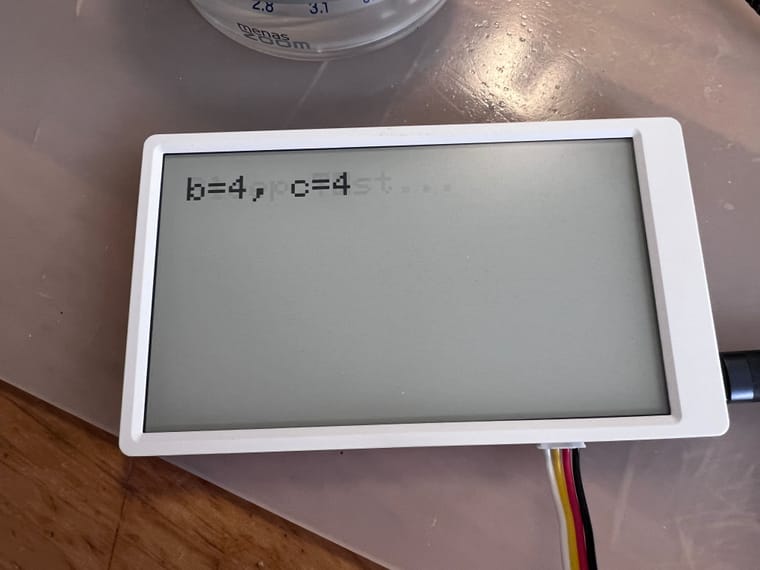
with turning off/on power to screen:
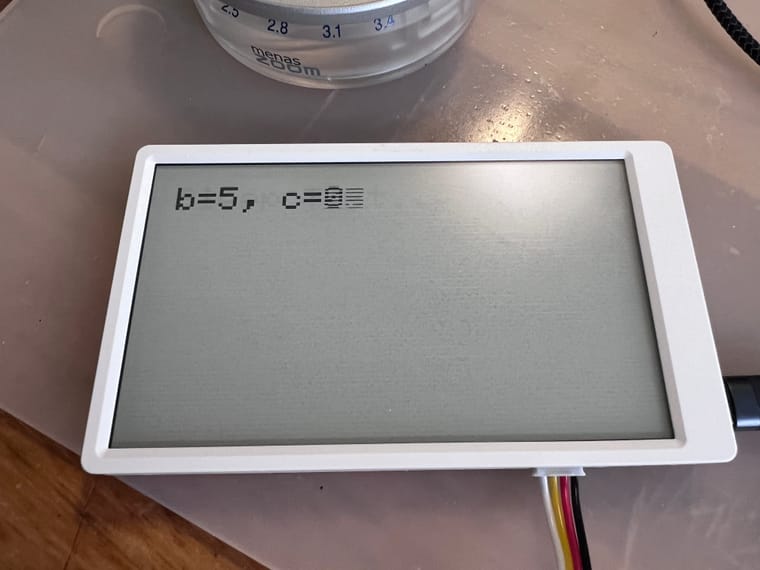
-
-
@felmue: nice!
just added a redraw of the screen and it all works:
  // turn on power to screen
  M5.enableEPDPower();
  // redraw screen
  canvas.pushCanvas(0, 0, UPDATE_MODE_DU4);
  // turn on power to ports
  M5.enableEXTPower();
the screen does get a bit of greyish line pattern over time:
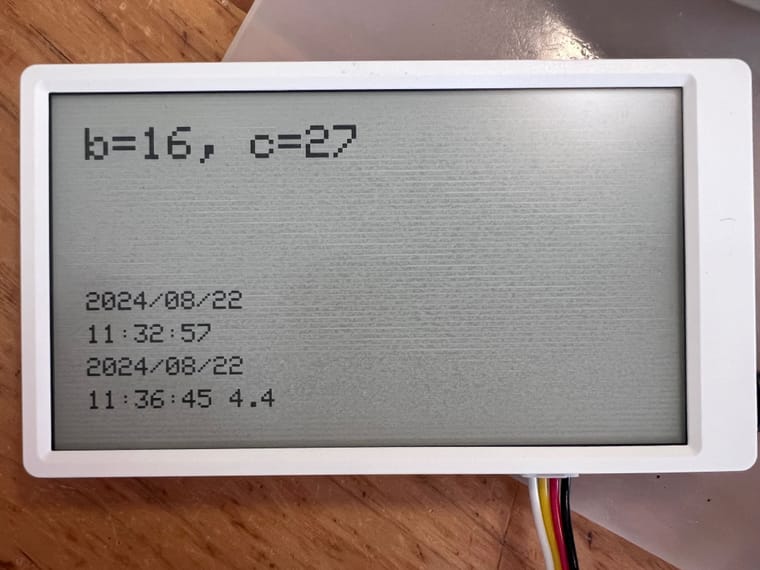
-
@frank_b normally with EInk you have to make a HV write to set the ink on the screen then you can switch the device off while still keeping the image or text on screen. If you do a normal write then the content will fade or just vanish when powered off.
-


Hello! It looks like you're interested in this conversation, but you don't have an account yet.
Getting fed up of having to scroll through the same posts each visit? When you register for an account, you'll always come back to exactly where you were before, and choose to be notified of new replies (either via email, or push notification). You'll also be able to save bookmarks and upvote posts to show your appreciation to other community members.
With your input, this post could be even better 💗
Register Login