Problems when installing programs in USB mode Software UIFlow 1.5.1
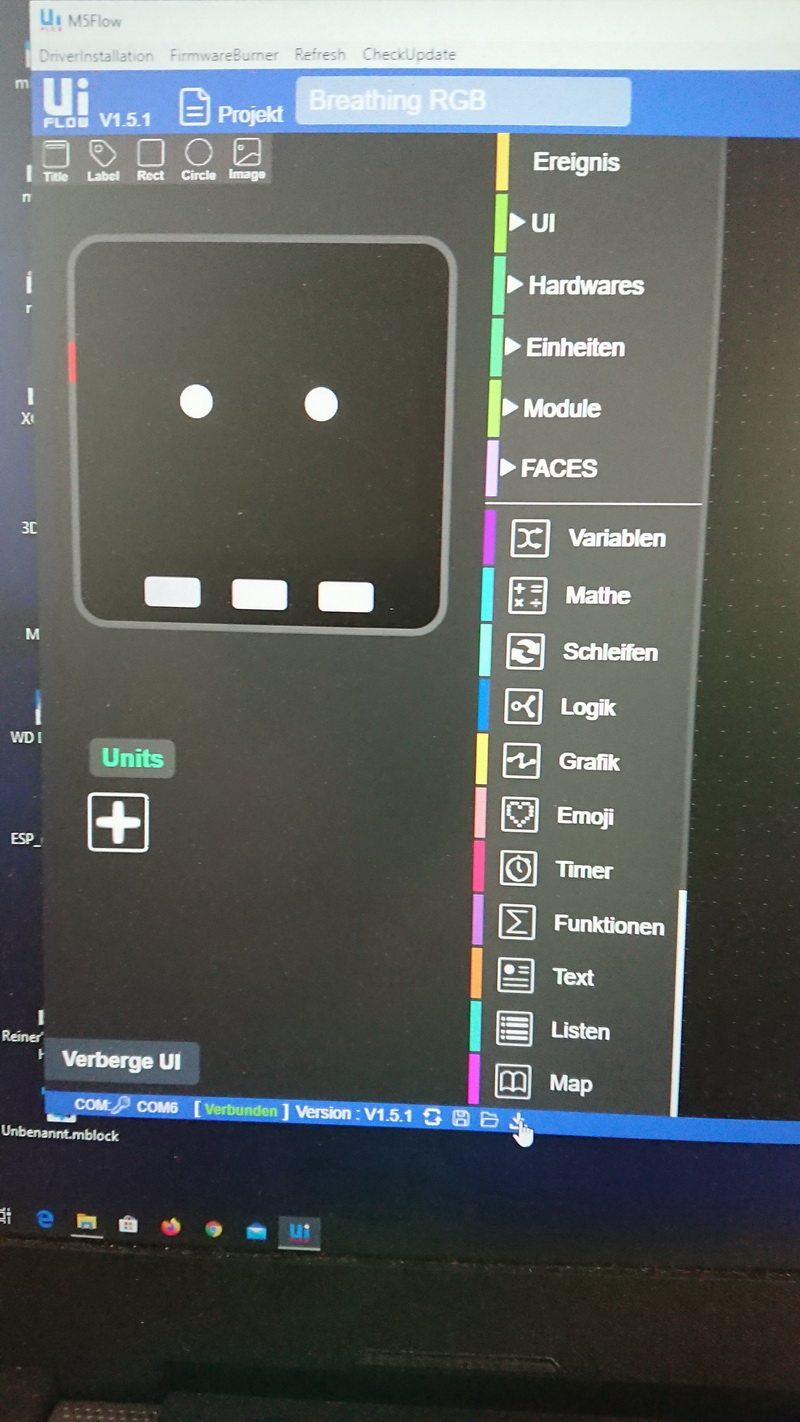
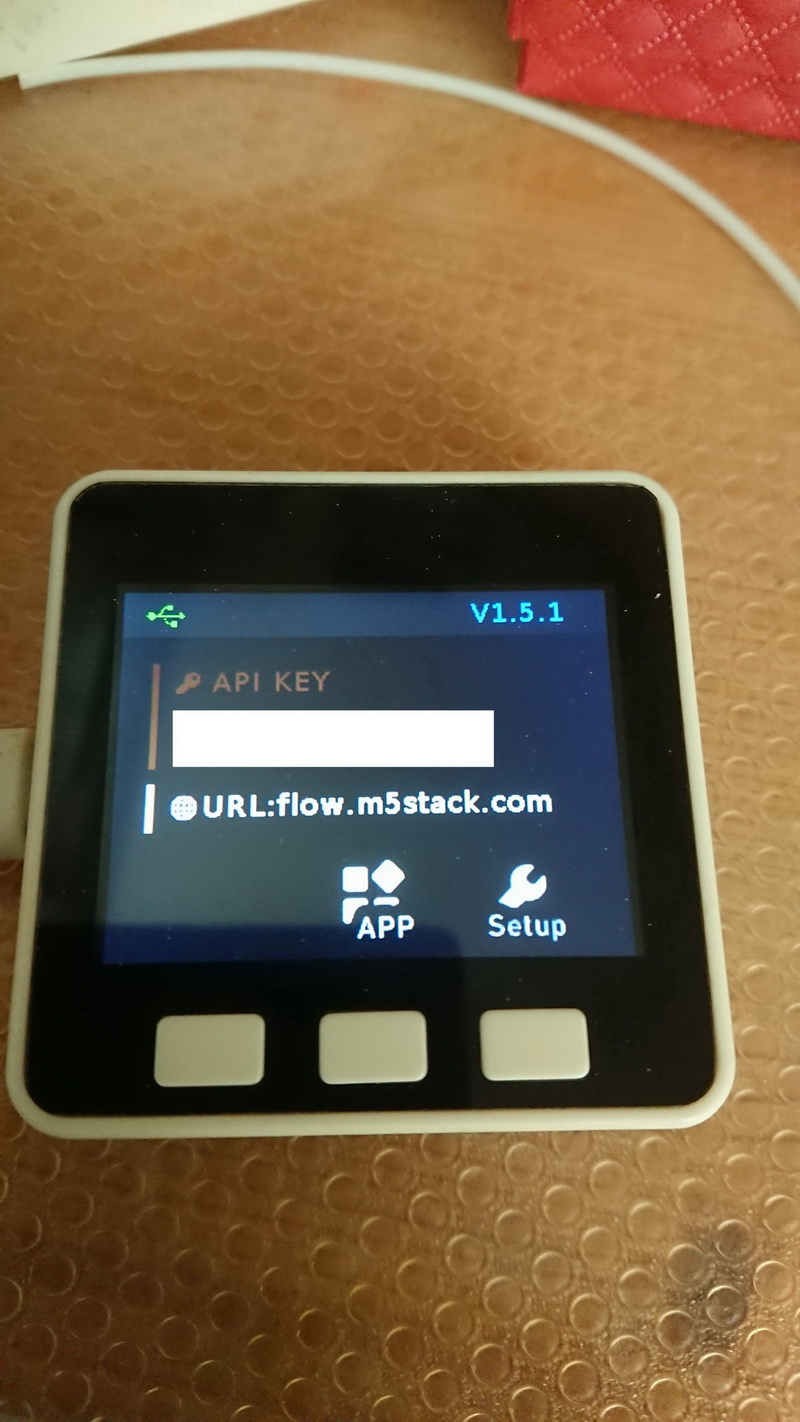
-
I have Windows 10,
UIFlow version 1.5.1 Desktop version on the computer (i.e. switched to beta version) With the FirmwareBurner the M5Stack also the 1.5.1 version is loaded.
Now to my problem, set the M5Stack in the setup to SwitchMode USB-Mode, reboot executed, then I get the following message (see picture)!
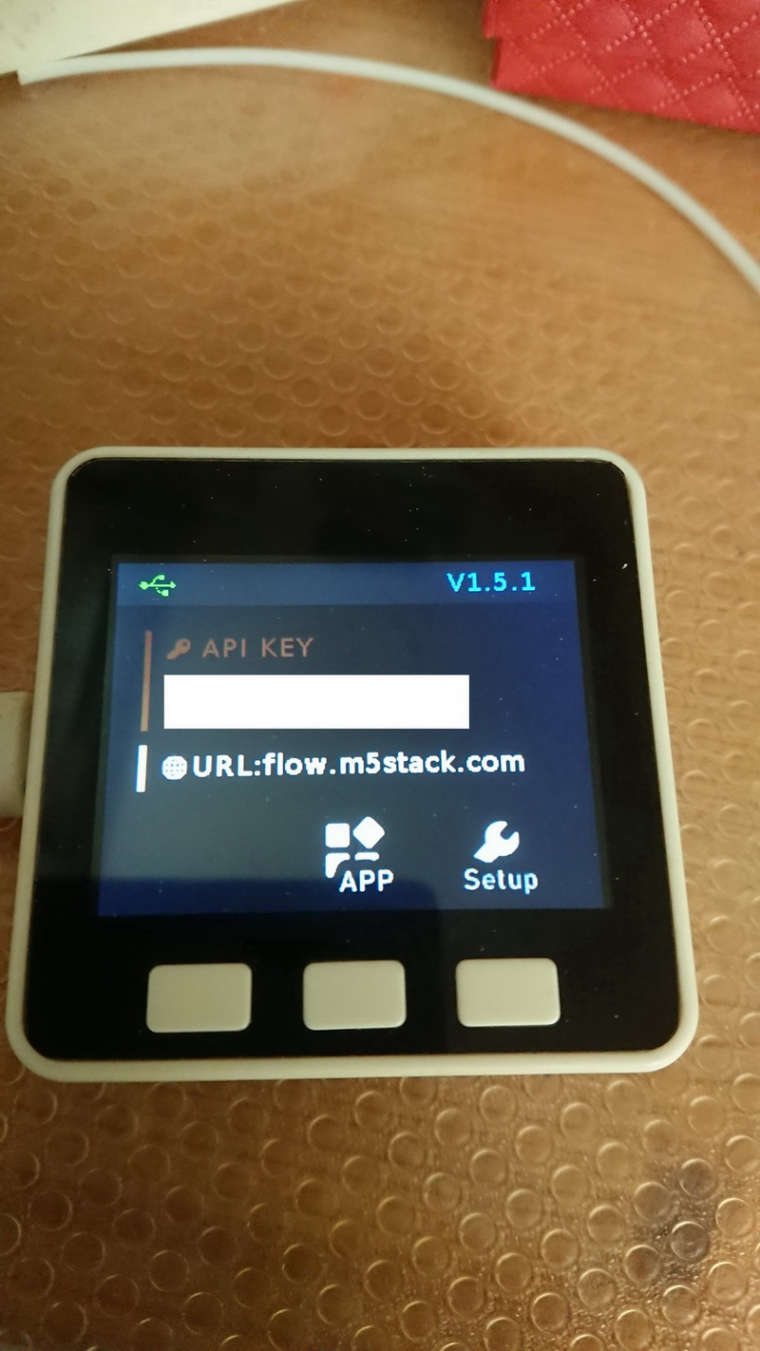
For me it now looks like the connection is established, see USB symbol in the upper left corner.
But if I try to establish a connection with the software, the M5Stack restarts itself. After 2-3 connection attempts the connection is established according to UIFlow Desktop 1.5.1 version (see picture)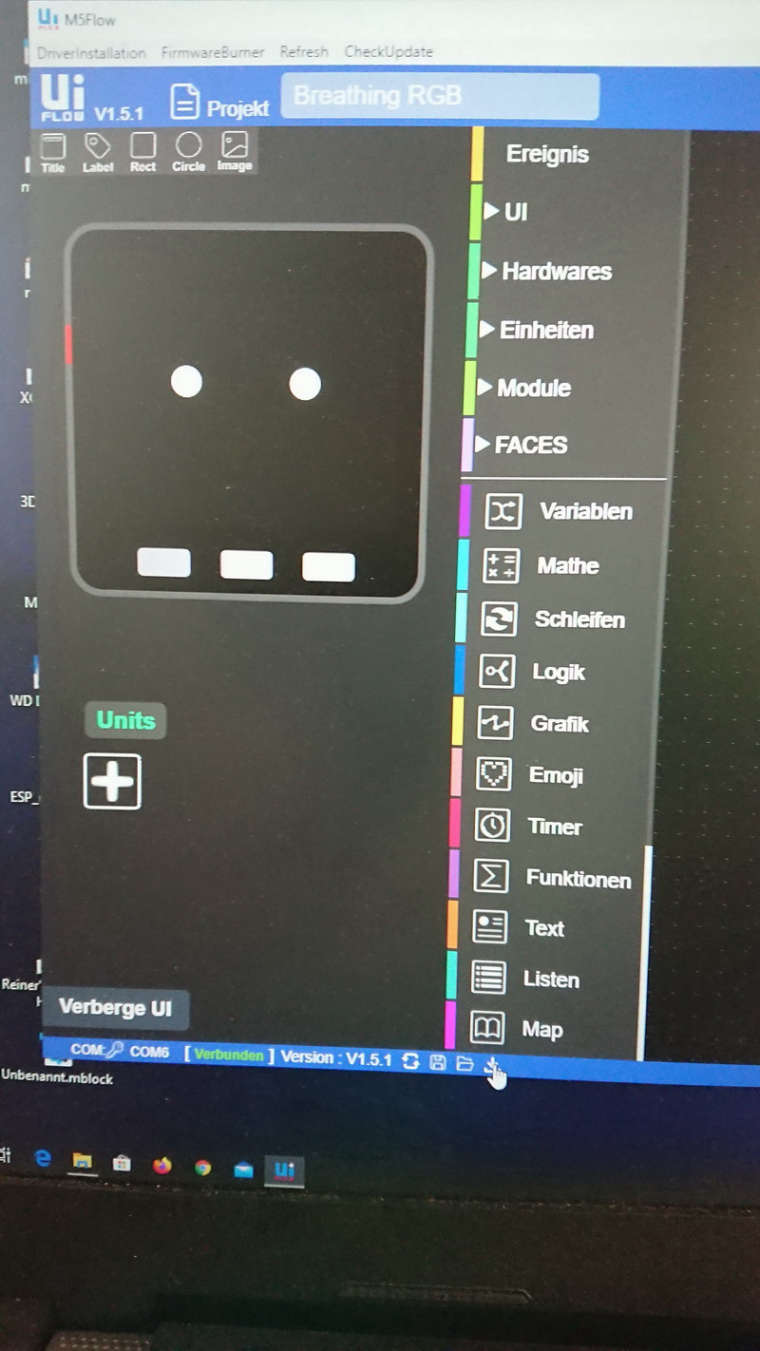
But even after a successful connection has been established, it is still the case that if I want to install a program that as soon as I press the button below (see picture above mouse pointer) the M5Stack immediately restarts.
What is the problem, or do I have to connect to the online software and the API key ! I have not tried that yet !?
The Wifi mode works perfectly with both versions!Greetings skink
P.S. The same problem exists with version 1.4.5 ! I just tested it !!
I am involved in everything that has to do with automation, including the M5Stack's, a few 3D printers, a CNC mill and a lot of other things. The M5Stack's are all really great, I can't imagine a better prototyping.
-
Hi, i ve no answer but i confirm there are some problems with UIflow. Untill now, i ve never succeded to have the : COM : key icon + COM6 on my left bottom corner screen.
You re lucky ;)
So i always use the WIFI mode
with 1.5.1 and 1.4.5 as well -
@skink pls check you software install path. (No spaces allowed)
-
@m5stack said in Problems when installing programs in USB mode Software UIFlow 1.5.1:
pls check you software install path. (No spaces allowed)
Not have spaces in the name of the folder or anything else.
I have a folder under hard disk D: created name Flow there I have loaded the zip file into it and unzipped, I go into the folder D:/Flow and start the unzipped file UIFlow-Desktop-IDE.exe still the same error occurs ! -
@skink before you upgrade the UIFlow IDE the 1.5.1. it has same problem happened?
-
This post is deleted! -
@m5stack Please make UIFlow-Desktop working with usb mode and firmware 1.5.x
...I think it is not a problem with the firmware, but with the UIFlow. Just checked, that it does also not work with firmware 1.4.5 anymore :-(
and by the way....with visual studio code the upload to the device works well!
-
@m5stickfreakler pls click IDE navigation “checkupdate” btn, upgarde the IDE version. will be fix this problem
-
@ m5stack
I have installed the update. Now it works great!!
With version 1.4.5 and 1.5.1 !
Thank you very much for the fast problem solution!!
Top !!
greeting skink
Hello! It looks like you're interested in this conversation, but you don't have an account yet.
Getting fed up of having to scroll through the same posts each visit? When you register for an account, you'll always come back to exactly where you were before, and choose to be notified of new replies (either via email, or push notification). You'll also be able to save bookmarks and upvote posts to show your appreciation to other community members.
With your input, this post could be even better 💗
Register Login