External libraries and I2C via UIFLOW
-
It would be really to nice to have a tutorial using I2C blocks of UIFLOW and using external I2C devices. I tried to get readings from Adafruit BNO055 using execute block but just receive errors.
Did anyone try to connect a non M5STACK I2C sensor via UIFLOW ? -
I wanted to know the same thing. I just received this one from Seed Studio that I’m trying to get working with uiFlow.
https://www.seeedstudio.com/Grove-I2C-Mini-Motor-Driver-p-2508.html
-
@hetzer said in External libraries and I2C via UIFLOW:
It would be really to nice to have a tutorial using I2C blocks of UIFLOW and using external I2C devices. I tried to get readings from Adafruit BNO055 using execute block but just receive errors.
Did anyone try to connect a non M5STACK I2C sensor via UIFLOW ?Yes and I did get some limited success but haven't had the time to continue work on it.
I2c works a bit funny in the latest versions of uiflow and takes some getting used to.
It takes a combination of uiflow blocks and micropython hacking to get things to talk.@world101 said in External libraries and I2C via UIFLOW:
I wanted to know the same thing. I just received this one from Seed Studio that I’m trying to get working with uiFlow.
https://www.seeedstudio.com/Grove-I2C-Mini-Motor-Driver-p-2508.html
That looks useful
-
I have also been trying myself many times to interface with an I2C device and was only once successful with a sevseg display from seeed. This was back before we switched back to the main micropython branch and now I2C seems completely broken for anything other than M5Stack devices. If i use commands from the micropython 11.1 documentation I always get bus error, here is the precious little information about I2C commands in the latest UIflow firmware.
import i2c_bus # port i2c_bus.PORTA, i2c_bus.PORTB or (sda, scl) i2c1 = i2c_bus.easyI2C(port, addr) i2c1.write_u8(reg, data) # byteorder: 'big' or 'little' i2c1.write_u16(reg, data, byteorder='big') # data = i2c1.read_u8(reg): # byteorder: 'big' or 'little' data = i2c1.read_u16(reg, byteorder='big') # data is bytes data = i2c1.read(num) # state: True or False state = i2c1.available() # addrList is a available addr list addrList = i2c1.scan() -
I read Sipeed Grove i2c sensor from m5stick C like this
from m5stack import * from m5ui import * from uiflow import * import i2c_bus i2c1 = i2c_bus.easyI2C(i2c_bus.PORTA, 0x45) i2c1.write_u8(0x24, 0x00) time.sleep(0.016) data = i2c1.read(6) temperature = data[0] * 256 + data[1] celsius = -45 + (175 * temperature / 65535.0) humidity = 100 * (data[3] * 256 + data[4]) / 65535.0 lcd.print(celsius,0,5,0xffffff) lcd.print(humidity,0,20,0xffffff) -
@jvmo said in External libraries and I2C via UIFLOW:
i2c1.write_u8(0x24, 0x00)
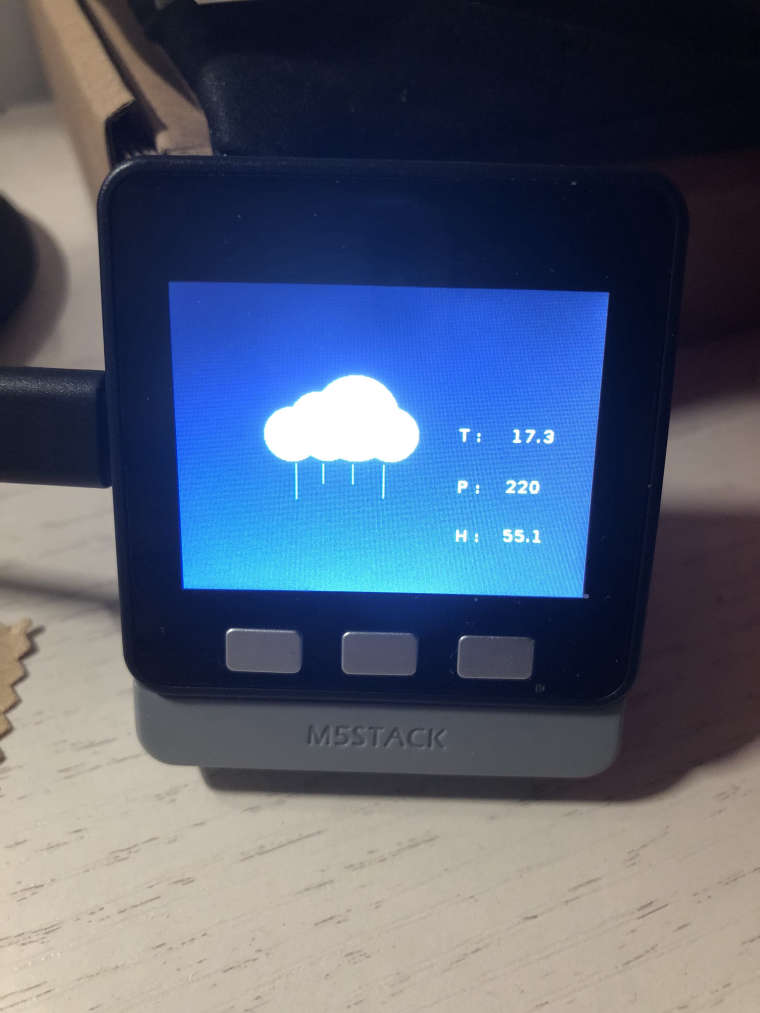
Thanks for the sample code. I am trying to use UIFlow to write a program running on M5Stack Core on the BTC Base with DHT12 sensor. I found it kept reading wrong data until the i2c1.write_u8(0x24, 0x00) sentence in your code inspired me.
-
@robinkam Could you post the micropython code for it?
That would be great, because I can't get it to work.



Hello! It looks like you're interested in this conversation, but you don't have an account yet.
Getting fed up of having to scroll through the same posts each visit? When you register for an account, you'll always come back to exactly where you were before, and choose to be notified of new replies (either via email, or push notification). You'll also be able to save bookmarks and upvote posts to show your appreciation to other community members.
With your input, this post could be even better 💗
Register Login