My M5DINMeter is not working.
-
`I have an M5DinMeter.
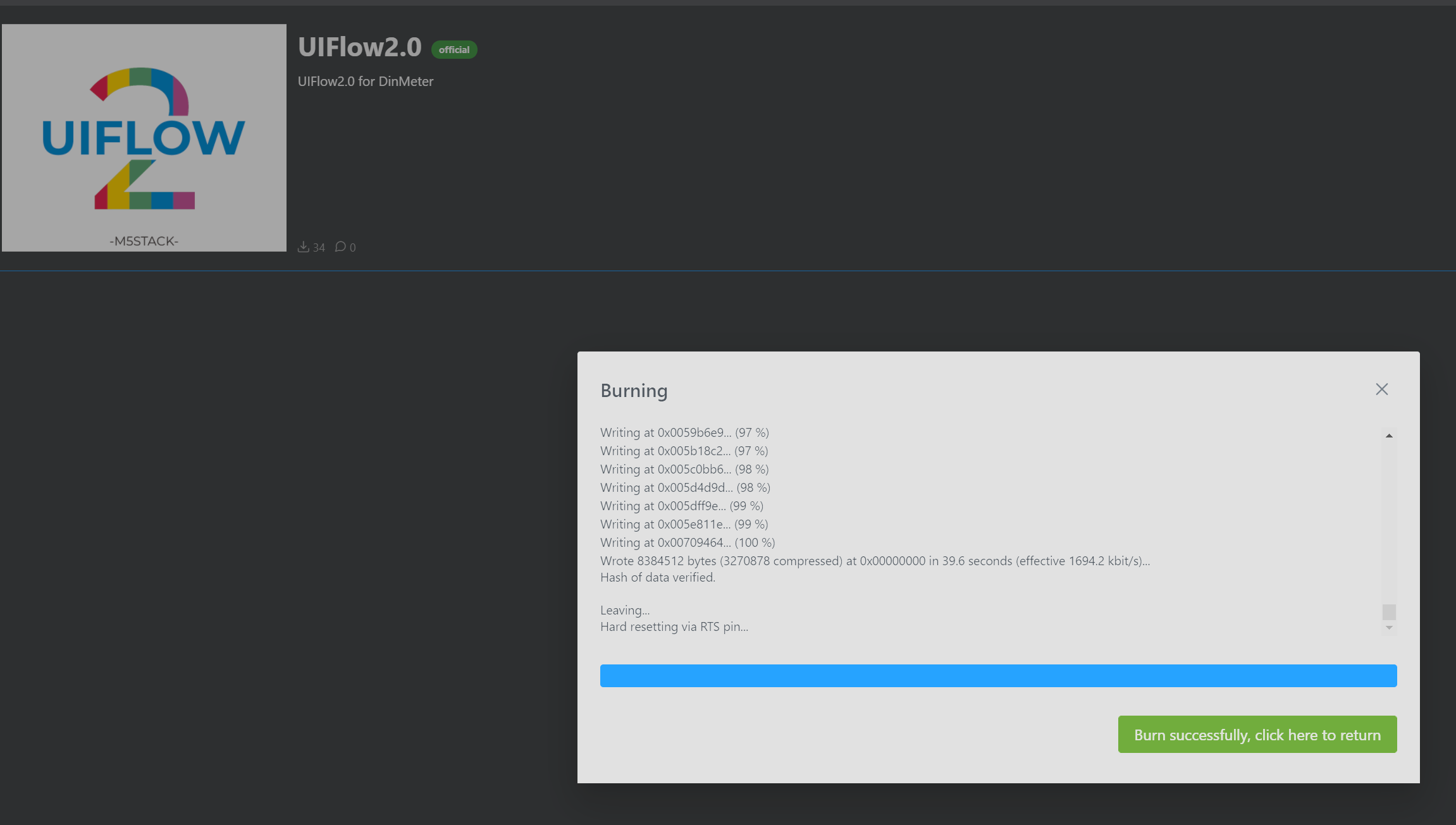
I burned the firmware using the M5 Burner to use UIFLOW.
I get a message saying successful, but nothing is showing on the screen of the M5DinMeter.
DiaMeter Demo worked well.
What should I check?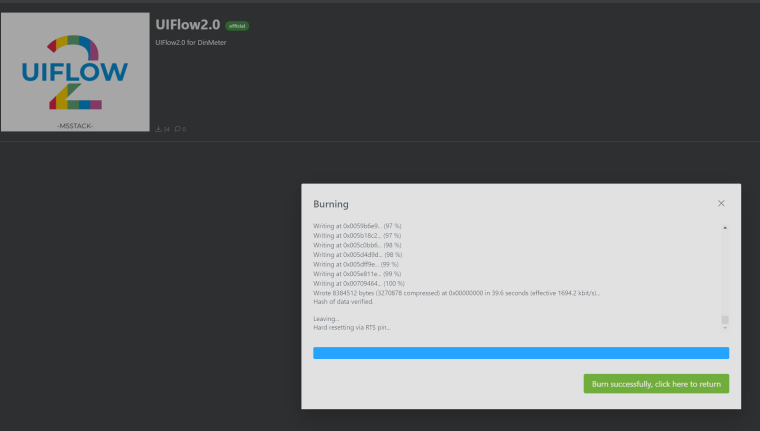
-
You'll need to write your own MicroPython or UiFlow program for it to do anything.
-
Press reset on the din.
Did you burn the correct version of iiflow2 and did you erase first -
@cognitive5525 I used UiFlow to write a simple program (square drawing).
But still nothing is showing on the screen. -
@ajb2k3 I did erase first, and burn version 2.0.4 of UiFlow2 firmware for DinMeter. I reset it after the burn is complete, and it still doesn't show anything on the screen. I tried writing a simple program on UiFlow2, but it didn't work.
-
Hello @seungmin
I wonder if the issue is only a too dark screen backlight setting? I created an UIFlow example which simply sets the screen backlight to the maximum. Does that help?
ProjectZone: M5DinMeter_BacklightSetFullBrightness_UIFlow2.0.4
Thanks
Felix -
@felmue Thank you for your answer.
I erased and burned the firmware 2.0.4 hotfix version several times and it worked. I don't know why it suddenly started working. I just repeatedly erased and burned it.


Hello! It looks like you're interested in this conversation, but you don't have an account yet.
Getting fed up of having to scroll through the same posts each visit? When you register for an account, you'll always come back to exactly where you were before, and choose to be notified of new replies (either via email, or push notification). You'll also be able to save bookmarks and upvote posts to show your appreciation to other community members.
With your input, this post could be even better 💗
Register Login