mqtt and button on atomS3
-
Hi there,
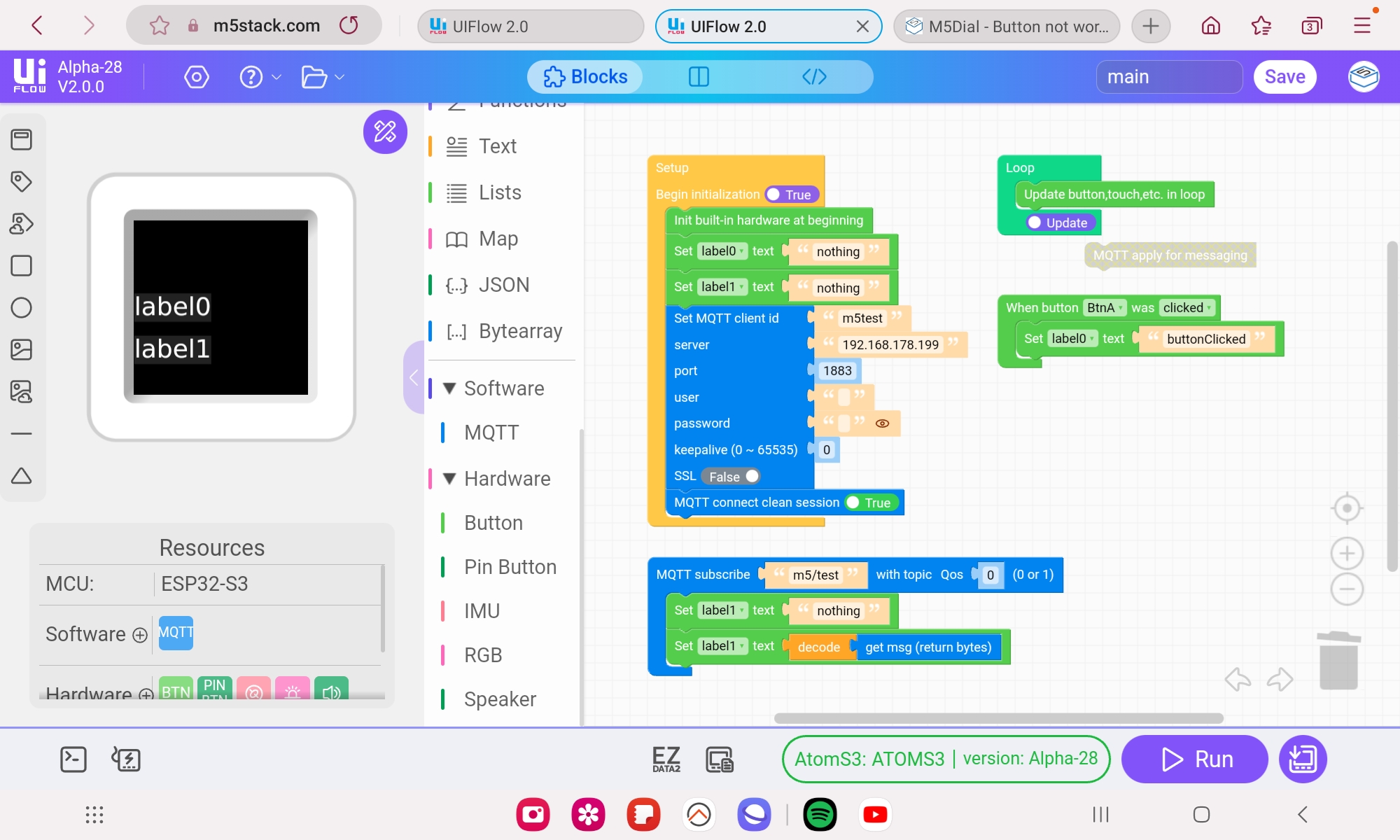
i have a problem with the button click event. I want to subscribe and publish to different mqtt topics and use the display button of the atomS3 to publish messages. The button works till i include the "mqtt apply for messaging" block. When i include that block the button event is not triggered anymore. Without the mqtt block i cant recive mqtt-messages. Here a short example:
image url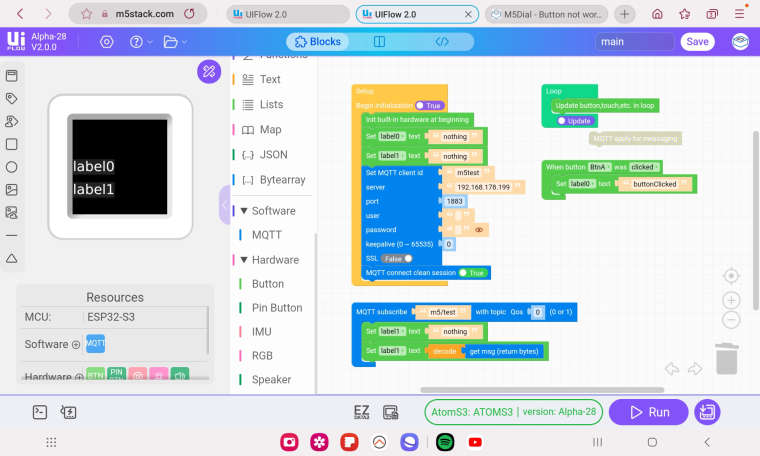 )
)What i have to do to get it work? Thanks for the help.
-
Hello @alwa123
it looks like the MQTT library used is called
umqtt. It has two methods to wait/check for server messages:wait_msg()andcheck_msg(). The former is blocking, the latter is non blocking. See here - section API reference.The block
MQTT apply for messagingcreatesmqtt_client.wait_msg(), the blocking variant. In order for the button events to work the non blocking variant should be used inloop().This can be done with an
Execute codeblock containingmqtt_client.check_msg(). See below.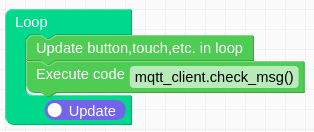
@m5stack : could you please add an MQTT block for the non blocking variant?
Thanks
Felix -
Great help, that did the job. Very thanks

Hello! It looks like you're interested in this conversation, but you don't have an account yet.
Getting fed up of having to scroll through the same posts each visit? When you register for an account, you'll always come back to exactly where you were before, and choose to be notified of new replies (either via email, or push notification). You'll also be able to save bookmarks and upvote posts to show your appreciation to other community members.
With your input, this post could be even better 💗
Register Login